
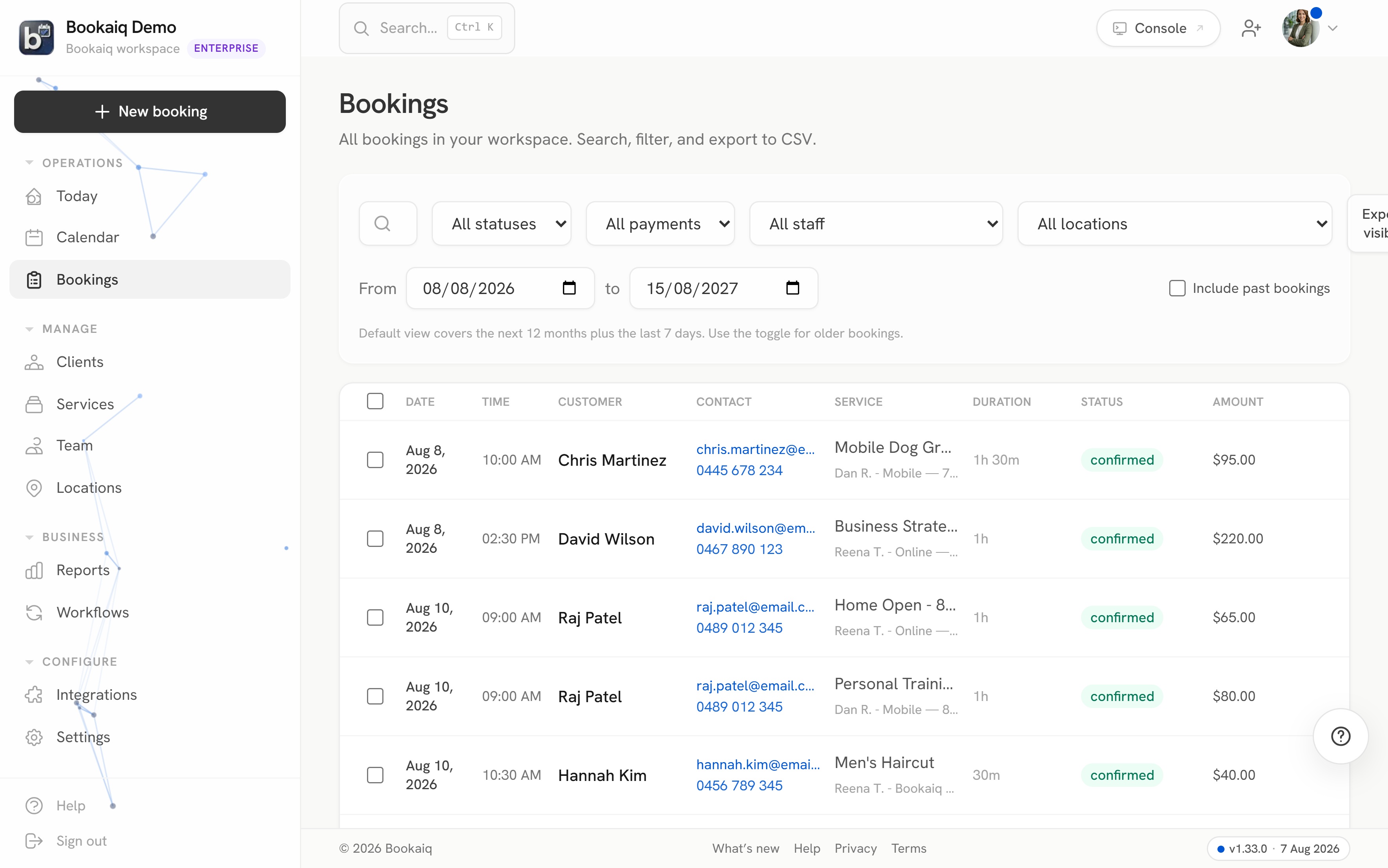
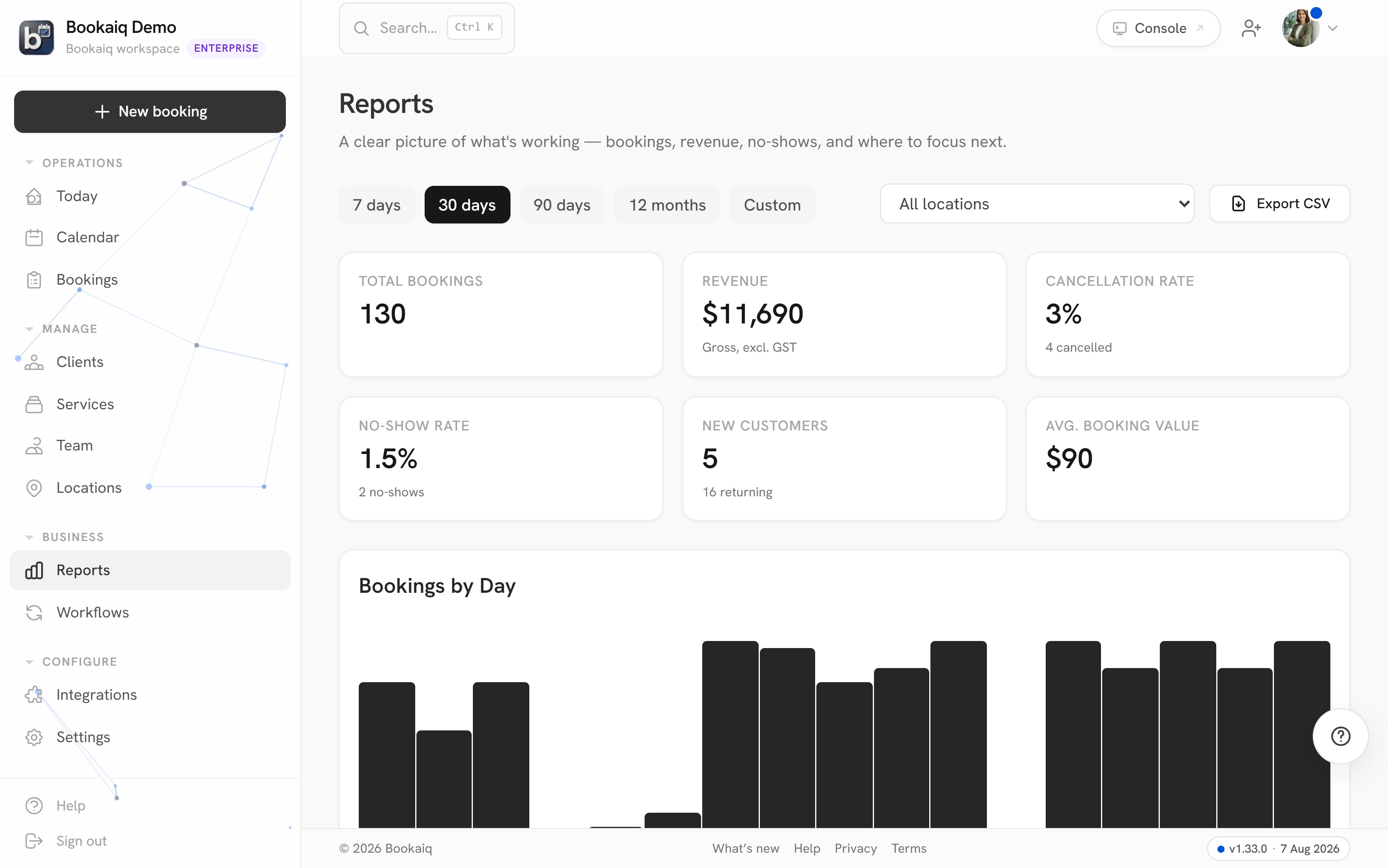
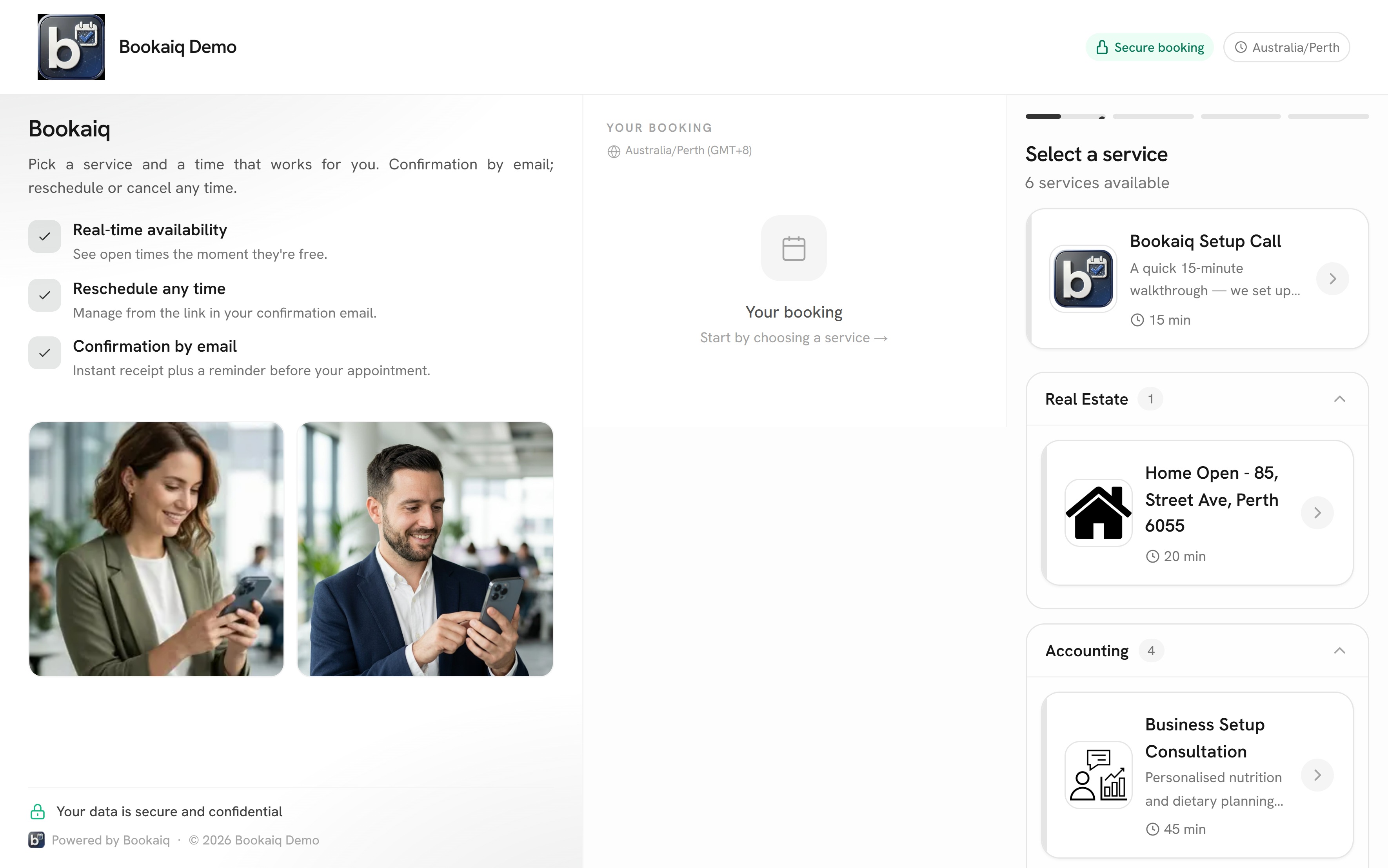
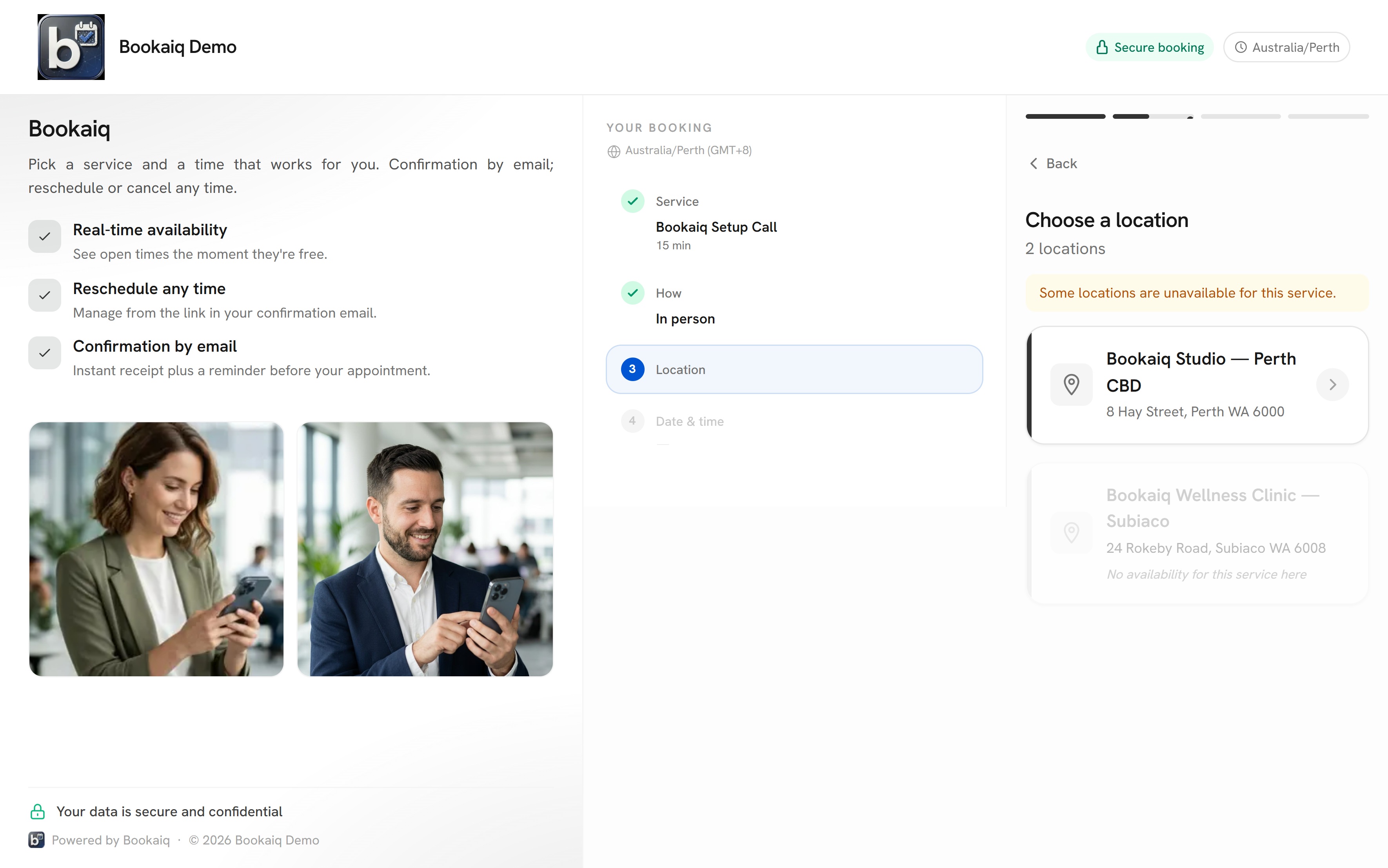
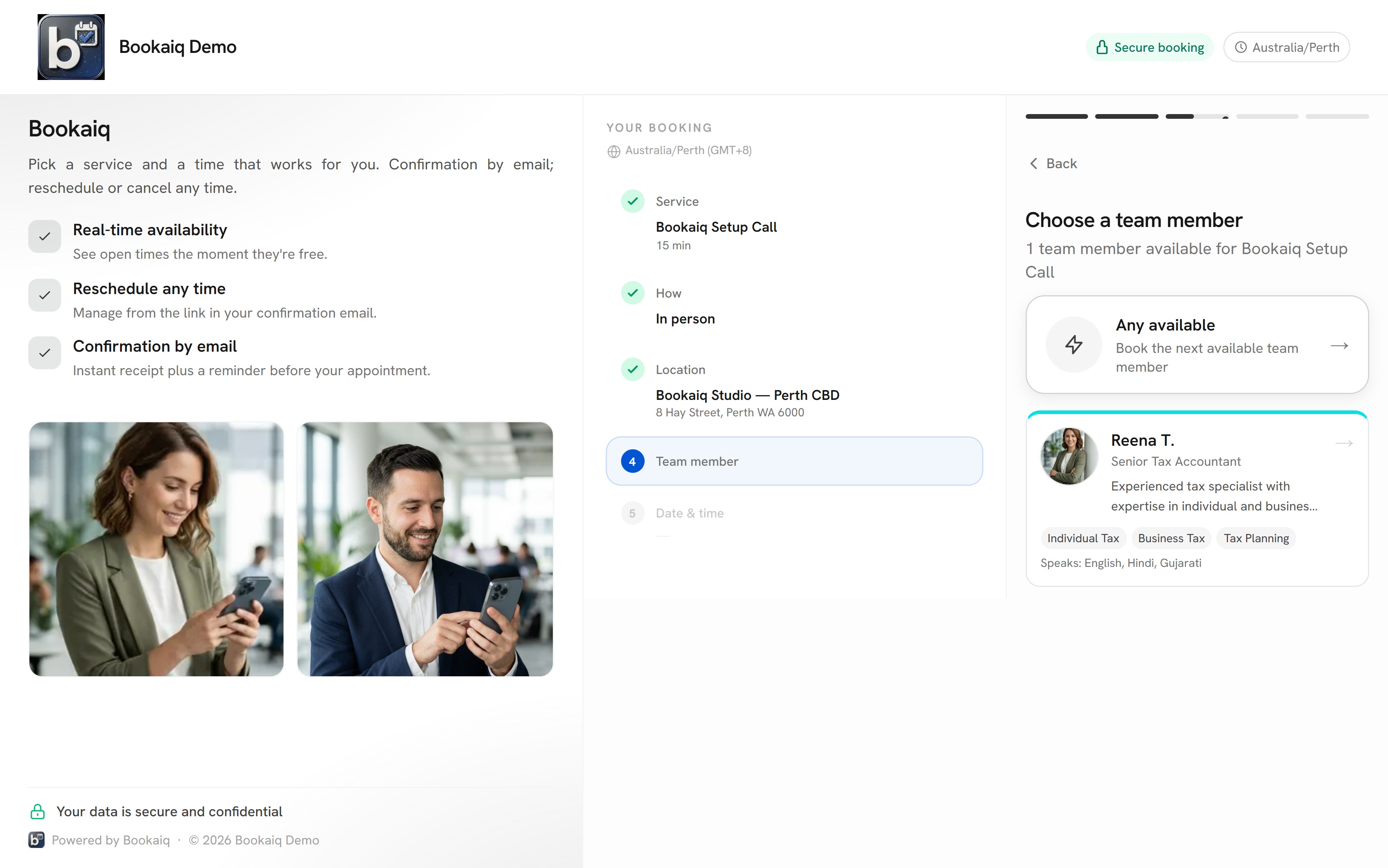
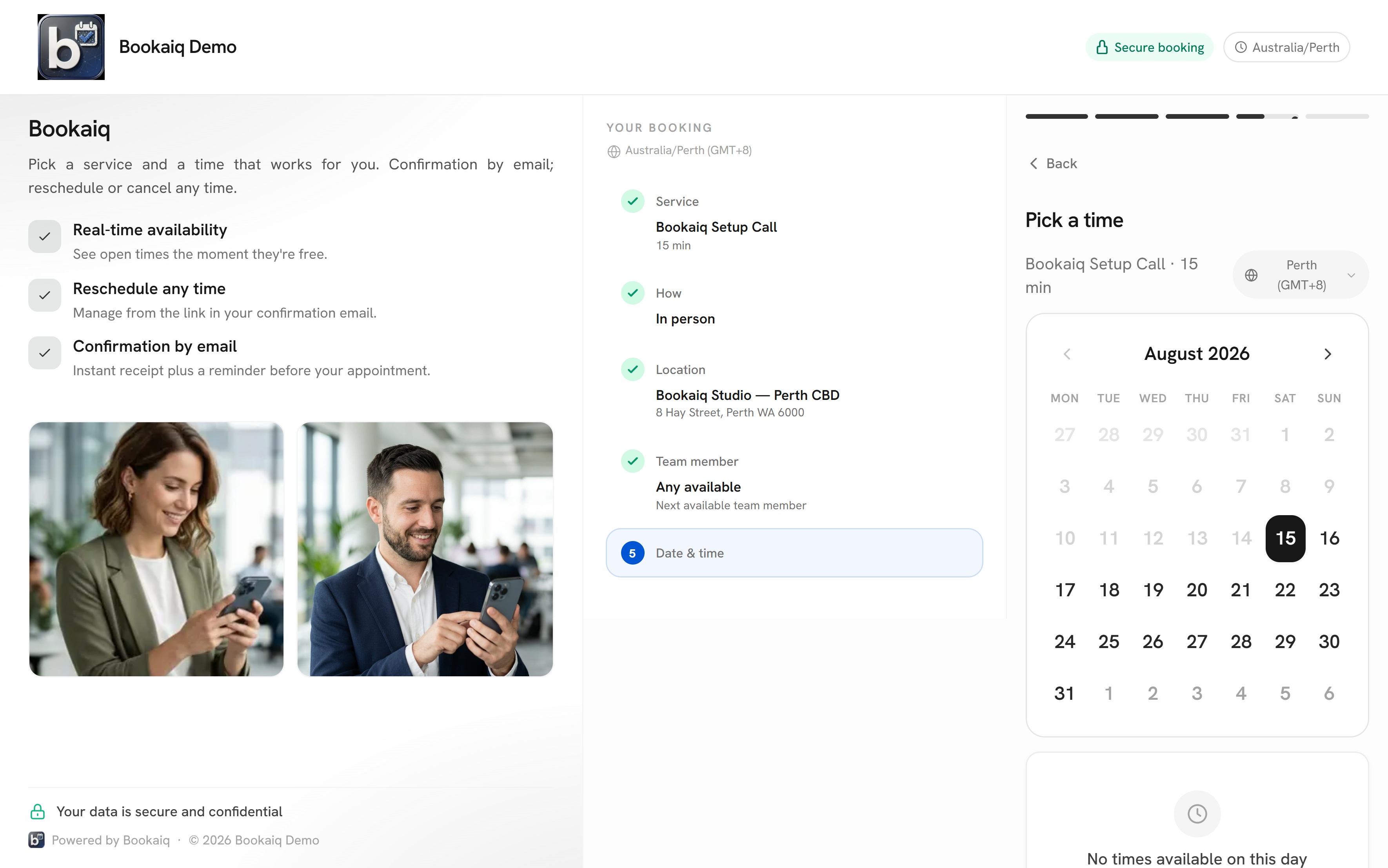
Booking pages
Your clients see open slots and book in seconds. No back-and-forth.
Online appointment booking for accountants, lawyers, salons and trades. Reminders and payments built in.
Client books
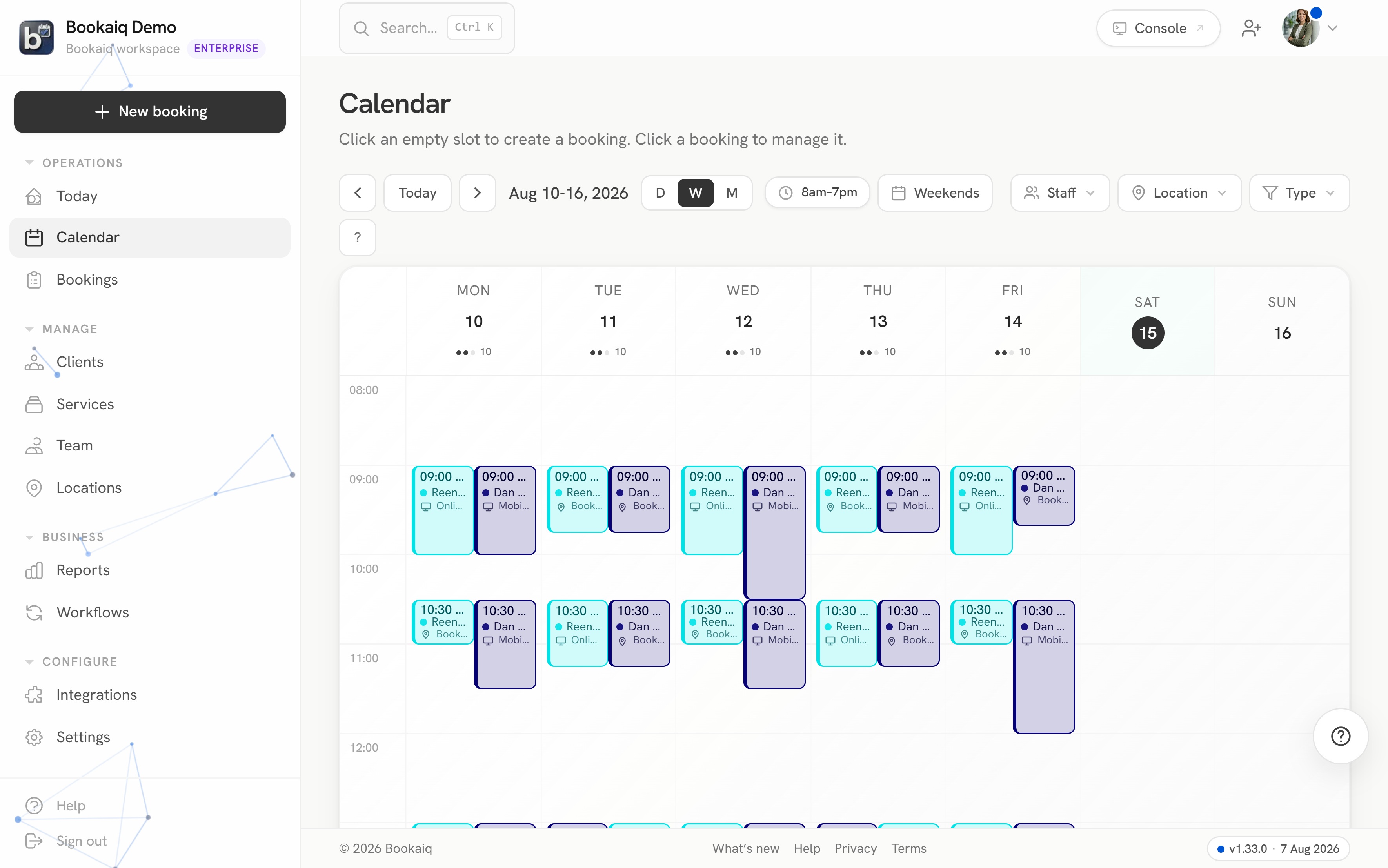
Your week, under control
Trusted across service businesses
The maths
Your numbers, the platforms' own published prices — and what a flat subscription looks like next to them.
Left on the table
$1,169a month in no-shows
If deposits and automatic reminders prevented even half of those, that’s $585 back every month.
Bookaiq Solo — deposits, reminders, no-show fees included — costs $15/month.
Illustration using your inputs — the “half” is a worked example, not a promised outcome.
How it works
Watch your scheduling workflow come together. Click any step to explore.
Features
Your clients see open slots and book in seconds. No back-and-forth.
Set weekly hours, block time off, add buffers between appointments.
Two-way sync with Google Calendar, Outlook, and any iCal feed.
Automatic email confirmations and reminders. Fewer no-shows.
Ask what you need before the appointment. Prep instead of guess.
Round-robin, skill-based, or weighted routing across your team.
Thank-you emails, review requests, follow-ups. Set once, runs forever.
Deposits or full payment at booking. Stripe-powered, no extra setup.
Booking pages
Clients see your real availability and pick a slot in seconds. Set the services, durations, buffers, and intake questions once — the page handles the back-and-forth.
Strategy session
60 min · with Sarah
Payments
Collect a deposit or full payment at the moment of booking, powered by Stripe. Fewer no-shows, money in the bank, and nothing extra to set up.
Deposit collected
$50.00
of $180 · balance on the day
Automations
Confirmations and email reminders go out automatically. Add thank-you notes and review requests once, and they run after every appointment.
Runs automatically
Use cases
Share your booking link. Clients pick a slot. You prep.
Example bookings
Workflow
The full journey
Every step happens automatically after your client picks a time.
Send your booking URL
They pick a time
Auto, before the visit
Google, Outlook, iCal
Thank you + next steps
The mechanic
1Your hours
Set availability once — the lattice knows when you work.
2Bookings land
Clients pick from real availability. Every booking snaps into a free cell.
3Never double-booked
A clash is refused at the API — the client is offered the next free slot instead.
4Travel time inserts itself
Two jobs, two suburbs — the gap between them is protected automatically.
5Cancellations refill
A cancelled slot goes amber, the waitlist is offered it, and the week heals.
Mon
Tue
Wed
Thu
Fri
9:00
Cut & colour
Danielle
Quarterly review
Nguyen & Co
10:00
Site visit
Fremantle
Waitlist fill
Liam · confirmed
11:00
Initial consult
Sam
Travel · 25 min
Fremantle → Subiaco
12:00
New client
auto re-slotted
Install quote
Subiaco
13:00
Lesson · manual
Aisha
14:00
15:00
16:00
Ownership & security
No marketplace, so we are never competing with you for your own clients. And when software holds every customer record your business owns, security is not a settings page — it’s the product.
Confirmations send from your business email — connected via Google or Microsoft — not a platform noreply address.
From:
noreply@platform.com
hello@yourbusiness.com.au
Subject: Your appointment is confirmed
Connect your own Twilio or Bird account and pay carrier rates directly. We don’t resell you your own text messages.
Bring your own Twilio or Bird · messages billed by your carrier, not marked up by us
Sign in with a passkey, and require two-factor for every seat in your workspace — enforced, not suggested.
Full export of your clients and bookings. Open API and webhooks on Pro. No contract. If we ever stop earning your business, you take everything and go.
The fine print is public: security · sub-processors · data processing addendum
FAQ
Yes. It reads live availability and creates a real booking through the same public API every Bookaiq booking page uses — including double-booking refusal. What you just tried is the product.
Yes — free forever, no credit card, up to 30 bookings a month. Every paid plan also starts with a 30-day trial.
Annual billing is a flat 25% off every paid tier — you pay the price of 9 months and get the full year.
Never. Bookaiq has no marketplace and takes no percentage of your bookings. You pay a flat subscription; your clients are yours.
Yes — connect your Google or Microsoft business email on Solo and above, and confirmations send from your own domain instead of a platform address.
Sign-in supports Google, Microsoft and passkeys, and you can enforce two-factor for the whole workspace. Your data stays exportable in full, and there's no lock-in contract.
Two-way sync with Google Calendar and Outlook, plus an iCal feed for Apple Calendar and anything else that subscribes to calendars.
Australian customers are billed in AUD with GST included, via Stripe. Elsewhere you're billed in USD via Lemon Squeezy, our merchant of record, which handles your local taxes at checkout.